Step 1
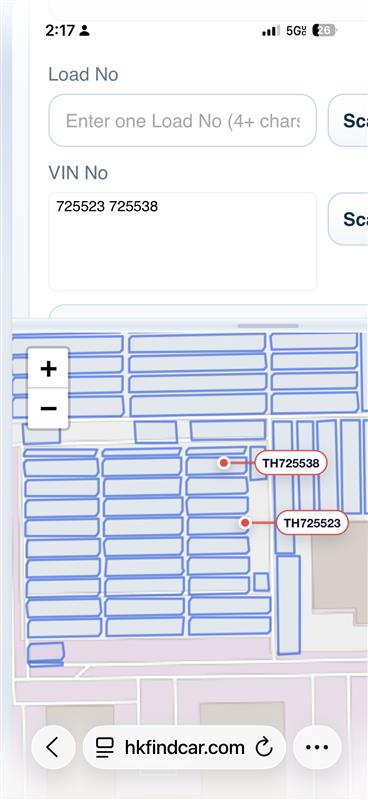
Enter the last 6 VIN characters
Type the last 6 characters in the VIN No field. To search multiple VINs at once, separate them with a comma or a space.
Truck Driver Manual
Use a Load No, VIN No, or your phone camera to find the exact vehicle location on the map.
Enter the last 6 characters of the VIN. You can search more than one VIN at the same time.
Example: 472058, 550738 488125Tap to view details2Enter a Load No to show every related VIN from that load.
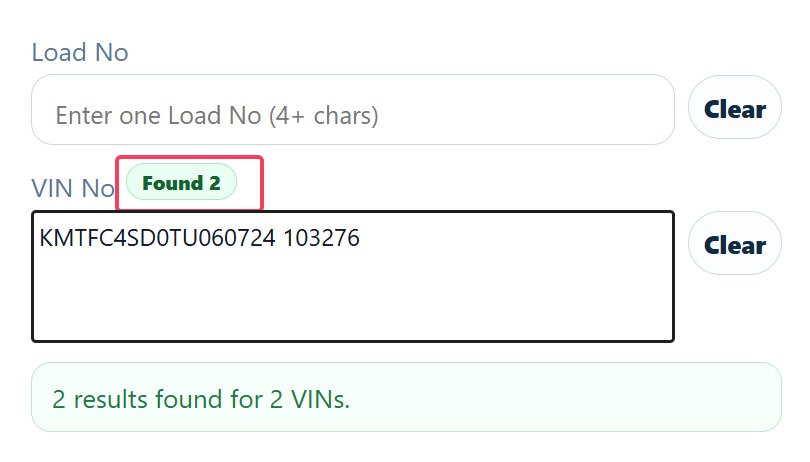
Example: 182557Tap to view details3After a search, the badge beside Load No or VIN No shows how many vehicles were found.
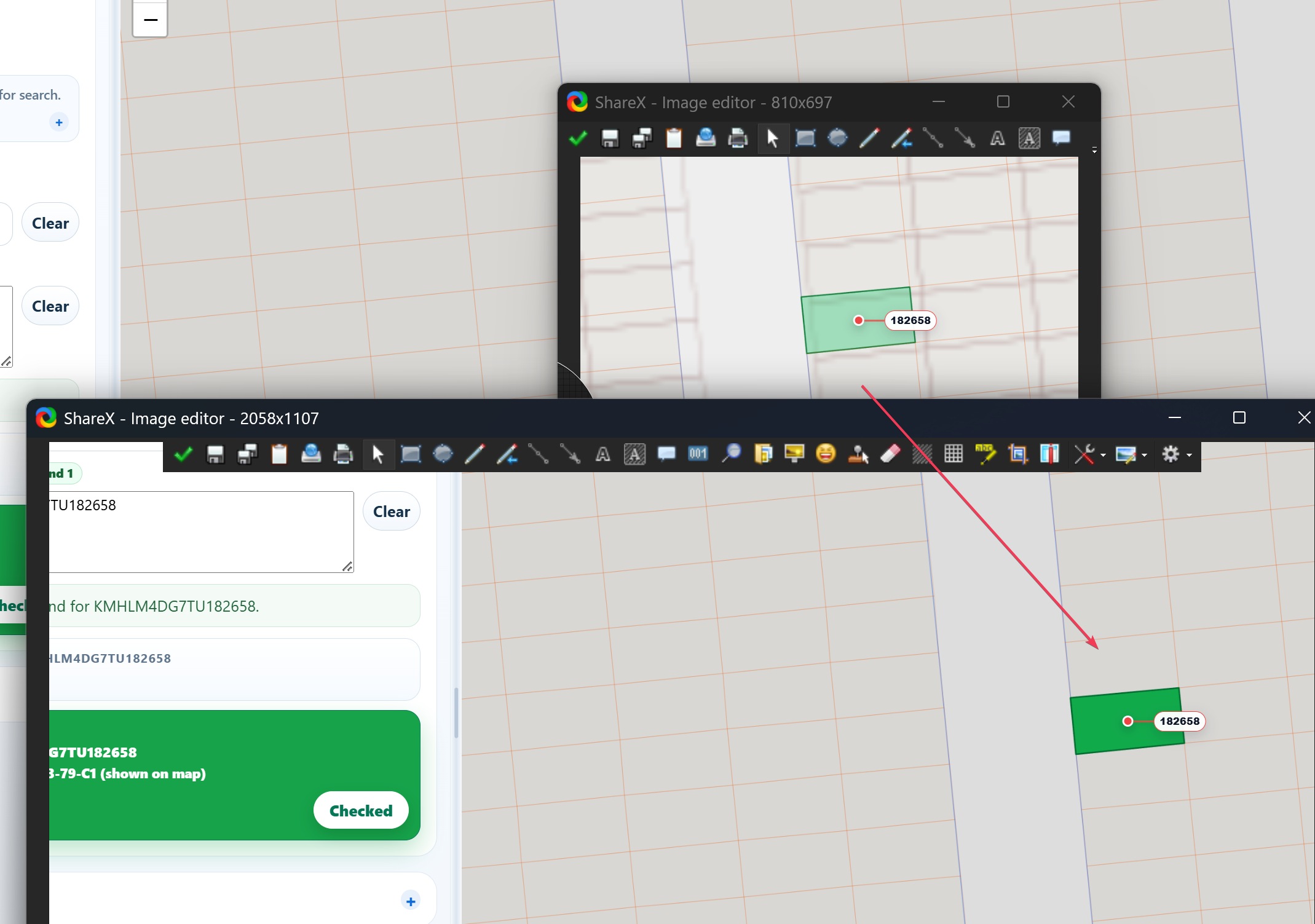
Example: Found 1 or Found 2Tap to view details4Tap Check after confirming a vehicle. The result card and map cell turn dark green.
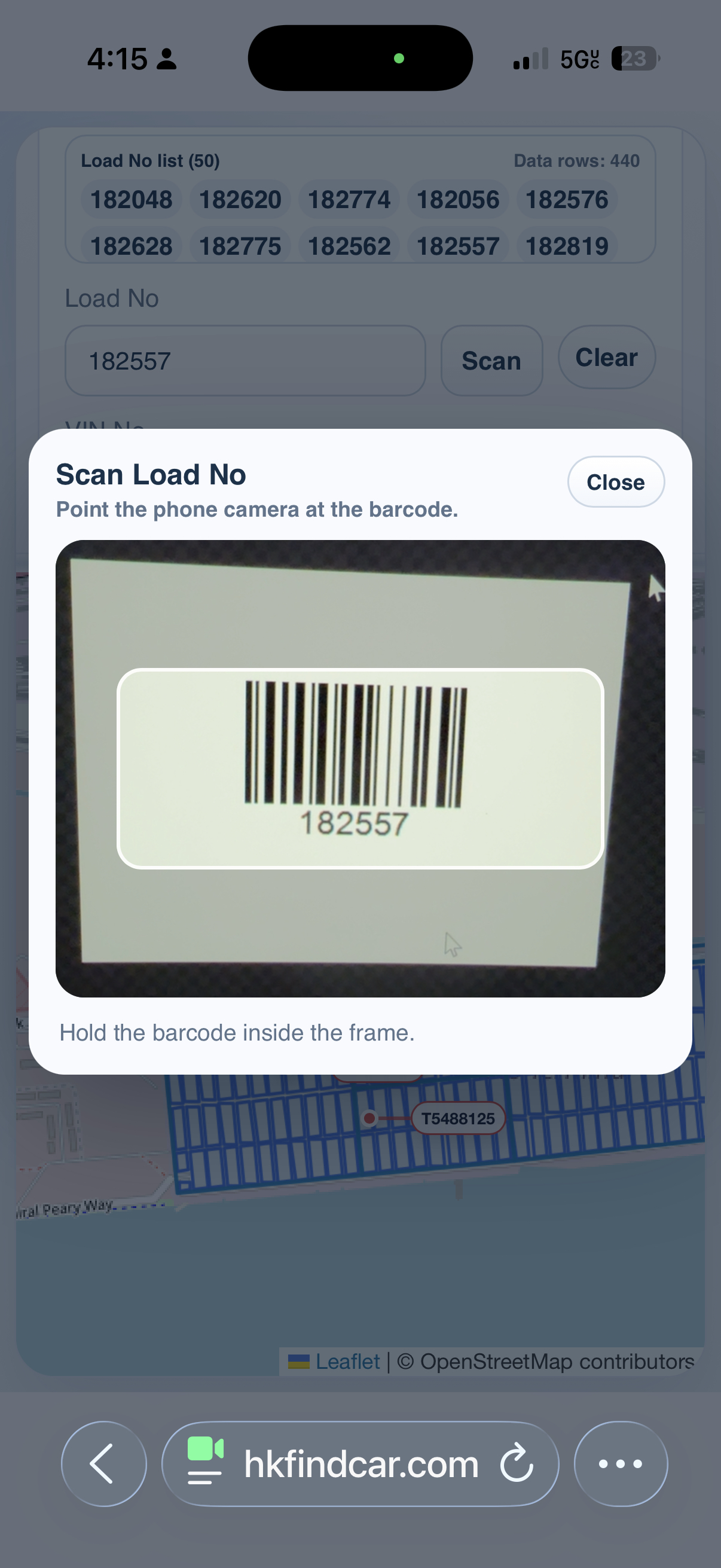
Dark green means the car is checked.Tap to view details5On a phone, tap the Scan button beside Load No or VIN No, then point the camera at the barcode.
Keep the barcode inside the frame until it is read.Tap to view detailsStep 1
Type the last 6 characters in the VIN No field. To search multiple VINs at once, separate them with a comma or a space.
Step 2
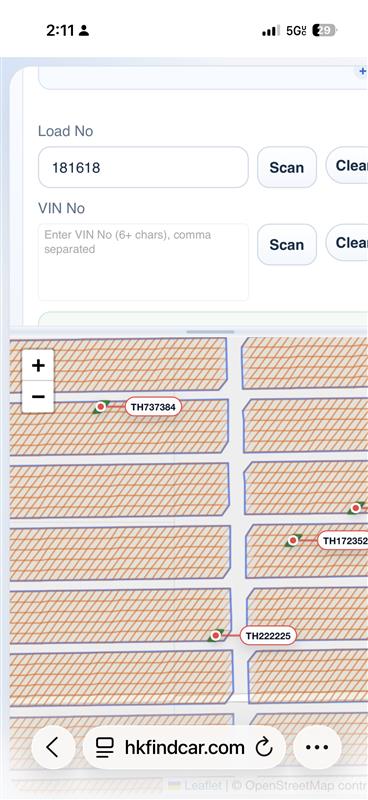
Type one Load No in the Load No field. The app will show every related VIN from that load so the trucker can choose the correct car.
Step 3
When the search finishes, look beside the Load No or VIN No title. The green badge shows exactly how many matching vehicles were found.
Step 4
After confirming the car, tap Check. The selected result card becomes green, and the matching cell on the map also turns dark green.
Step 5
Allow camera access, hold the barcode inside the frame, and wait for the number to fill in.
Result
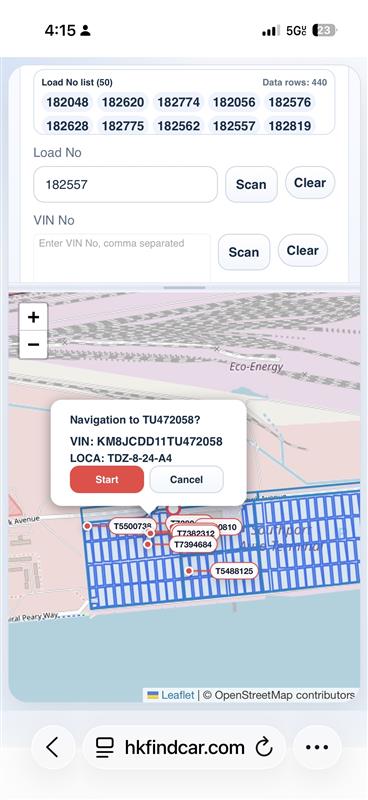
Select a result to see the vehicle marker, VIN, and LOCA. Tap Start when you want navigation.
If the barcode does not scan, clean the barcode area, move closer, or enter the number manually. For VIN search, the last 6 characters are enough.